
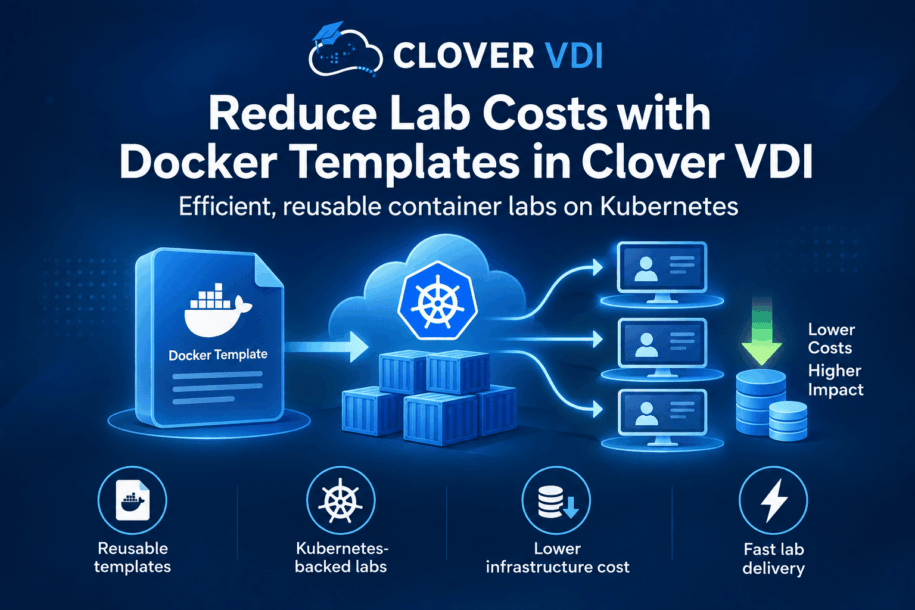
Not every training exercise needs a complete virtual machine. For application, database, web and command-line courses, containers can provide the required environment with less overhead. Clover VDI turns container images into reusable Docker templates that instructors can associate with groups and deploy as learner labs.
Why templates improve delivery
A template captures the source image and the resource settings required by the exercise. Course teams configure it once, verify that its status is Available and reuse it across groups. This reduces manual setup and helps every learner start from the same baseline.
Build the lab on Kubernetes
Administrators first connect Clover VDI to Kubernetes. An administrator or instructor can then create a Docker template, define the image and resources, and choose the access mode. After the template is ready, it is associated with the relevant group before labs are created for learners.
Use resources where they matter
Containers share the host kernel and generally start faster than full VMs. That can improve density for short exercises and repeatable application environments. The practical saving depends on the image, workload, learner concurrency and Kubernetes capacity, so teams should measure real course usage and set sensible CPU and memory limits.
A repeatable course workflow
- Select an official or trusted container image.
- Create and validate the Docker template.
- Associate the template with the course group.
- Create and start learner labs.
- Review usage and refine resource settings for the next session.
Follow the Create a Docker Template guide to configure your first Kubernetes-backed lab.