VIRTUAL IT LABS
Your Private Cloud, Turned Into Secure Virtual Workspaces
A sovereign VDI and virtual lab platform for Proxmox, OpenStack and Kubernetes — with native LMS integration and a built-in AI teaching assistant.
What is Clover VDI ?
One Platform for Virtual Machines and Containers
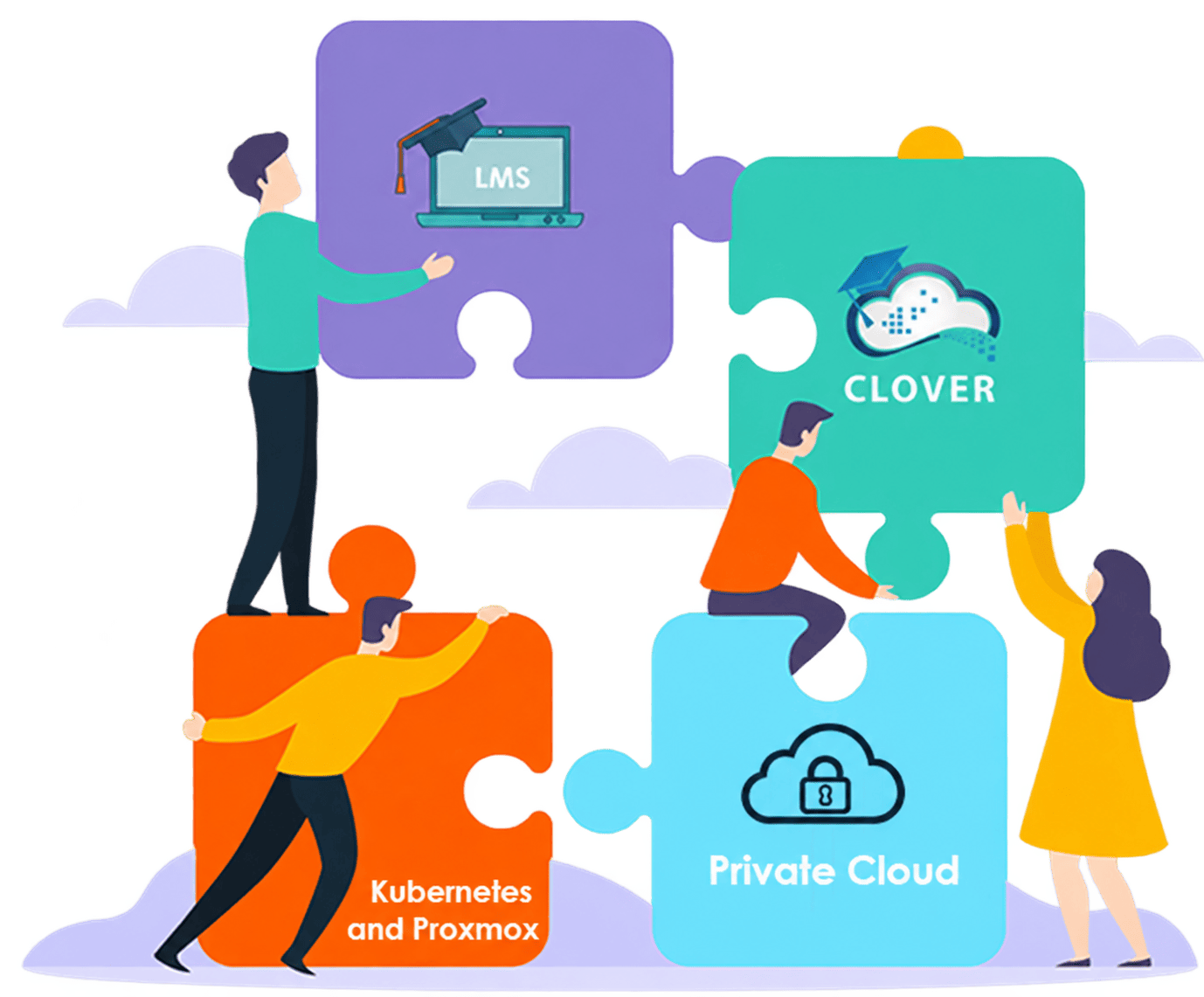
Clover VDI is a modern virtual desktop and virtual lab platform built for private cloud environments. It turns your Proxmox, OpenStack or Kubernetes infrastructure into secure, scalable and centrally managed workspaces — full virtual machines when you need them, lightweight containers when you don't.
Integrated with your existing identity, network and learning systems, Clover VDI removes the operational complexity of running virtual desktops at scale, and gives your organisation complete control over where its infrastructure and data live.
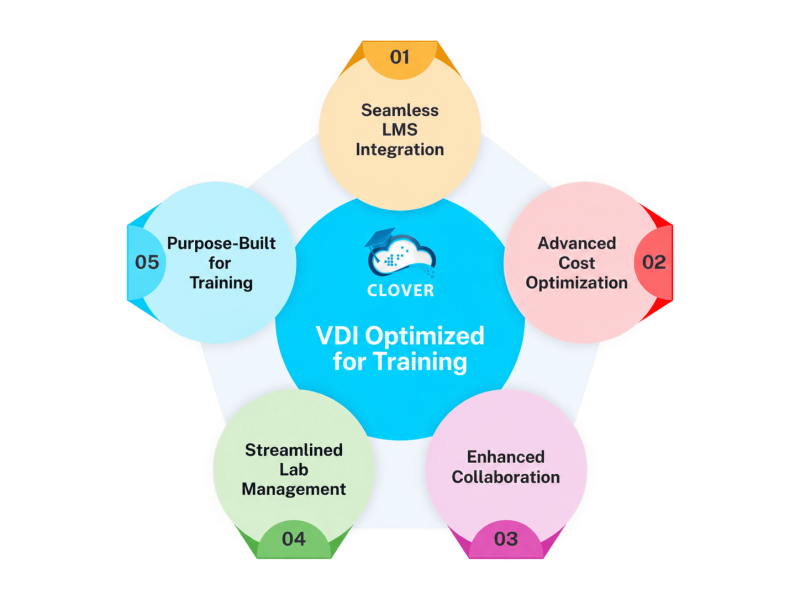
What Makes Clover Different?
Built for Private Cloud, Designed for Real Workloads
Unlike traditional VDI products tied to a single hypervisor or a public cloud, Clover VDI runs on the infrastructure you already own — and lets you mix virtual machines and containers within the same environment.

Secure & Seamless User Access
Users reach their workspaces from a browser, through a single secure entry point. No client to install, no VPN, no credentials to distribute — sessions open in seconds on Proxmox, OpenStack or Kubernetes alike.

Virtual Machines and Containers, Together
Clover VDI manages both Proxmox/OpenStack templates and Docker templates from one console. A single group can hold both types, so a user works with a full Windows VM and a lightweight Linux container side by side.

Optimised Private Cloud Resources
Provisioning, allocation and lifecycle management are automated end to end. Containerised environments raise session density dramatically, while virtual machines remain available for workloads that genuinely require them.

Simplified Administration
From template creation to user assignment and access control, Clover VDI removes the need for deep Proxmox, OpenStack or Kubernetes expertise. Your team manages workspaces, not infrastructure.
Sovereignty and Full Control
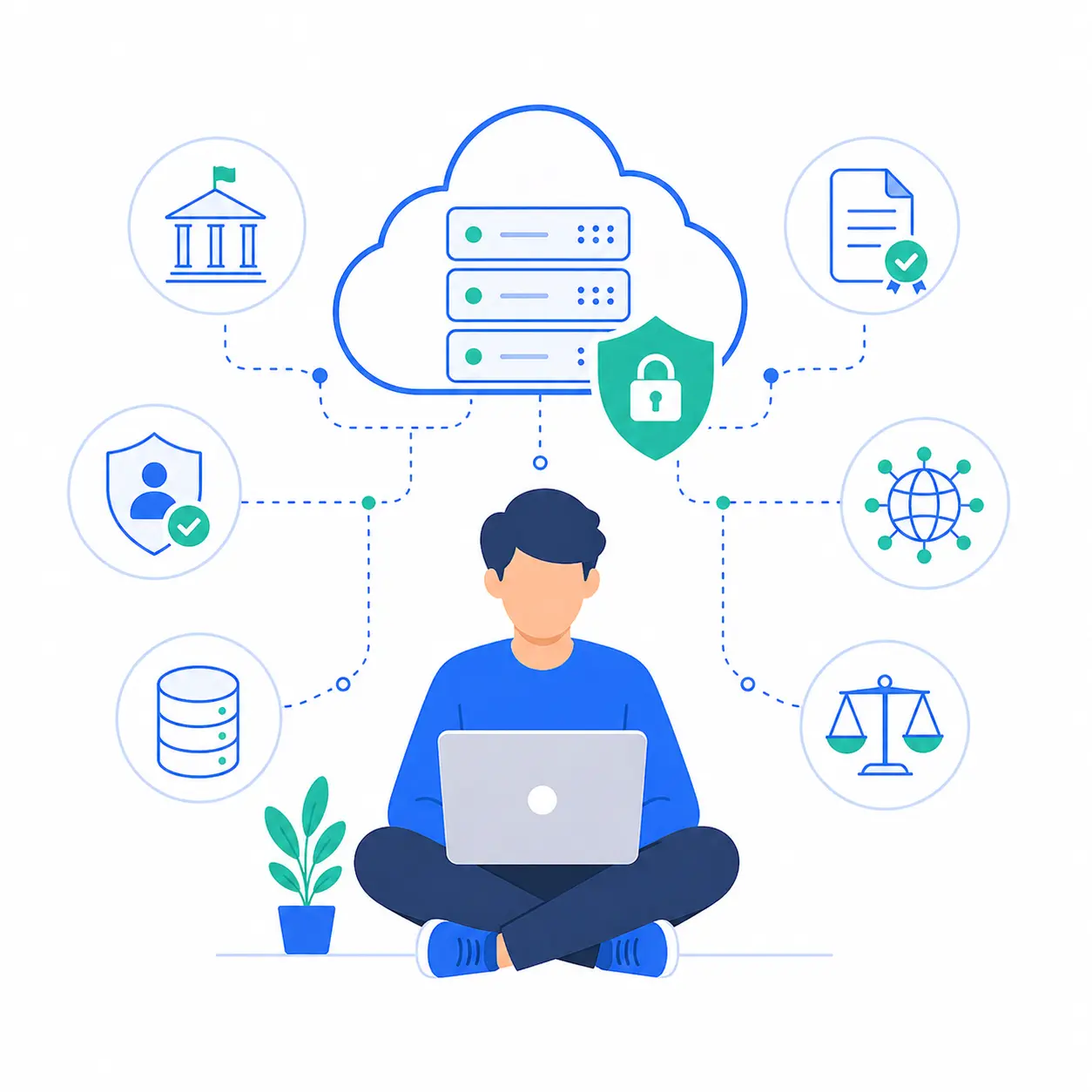
Your desktops, your data, your rules. Clover VDI keeps infrastructure, data location, security policy and governance entirely in your hands — a fit for public institutions, regulated sectors and organisations with sovereignty requirements.

A Built-in AI Assistant
Instructors upload their own course material; Clover indexes it into a private knowledge base. Learners then get contextual answers grounded in that content — never a generic chatbot, and never data leaving your environment.
HYBRID BY DESIGN
The Right Foundation for Every Workload
Containers are dramatically more efficient for Linux workloads. Virtual machines remain irreplaceable for Windows desktops and kernel-level work. Clover VDI runs both — and lets you choose per template, not per platform.
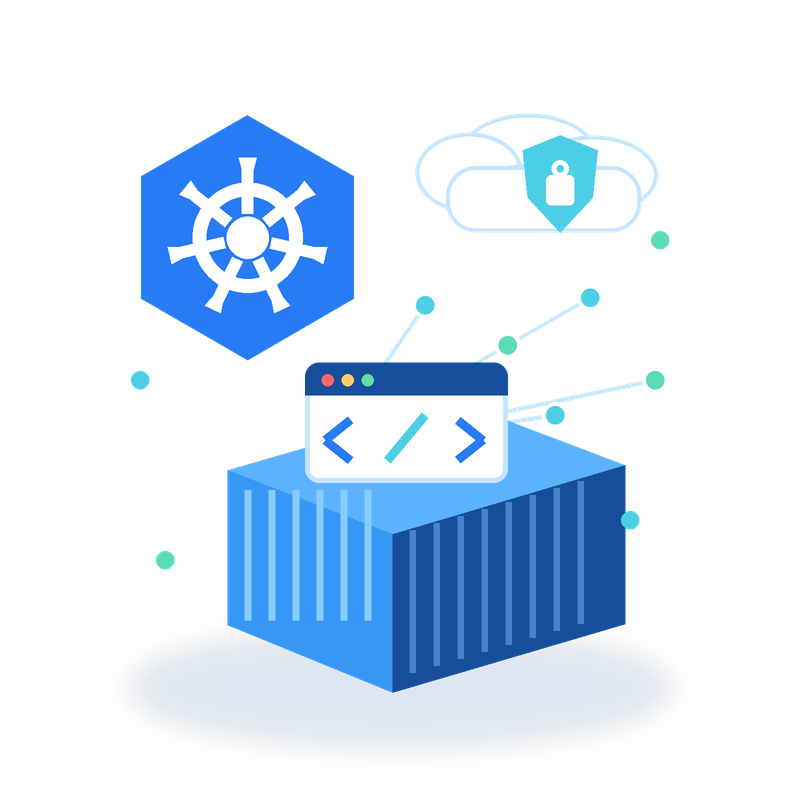
Kubernetes Containers
- Linux labs for networking, 5G, development and cybersecurity
- Start in seconds and reset automatically
- One versioned image for every learner
- Scale on demand across the cluster
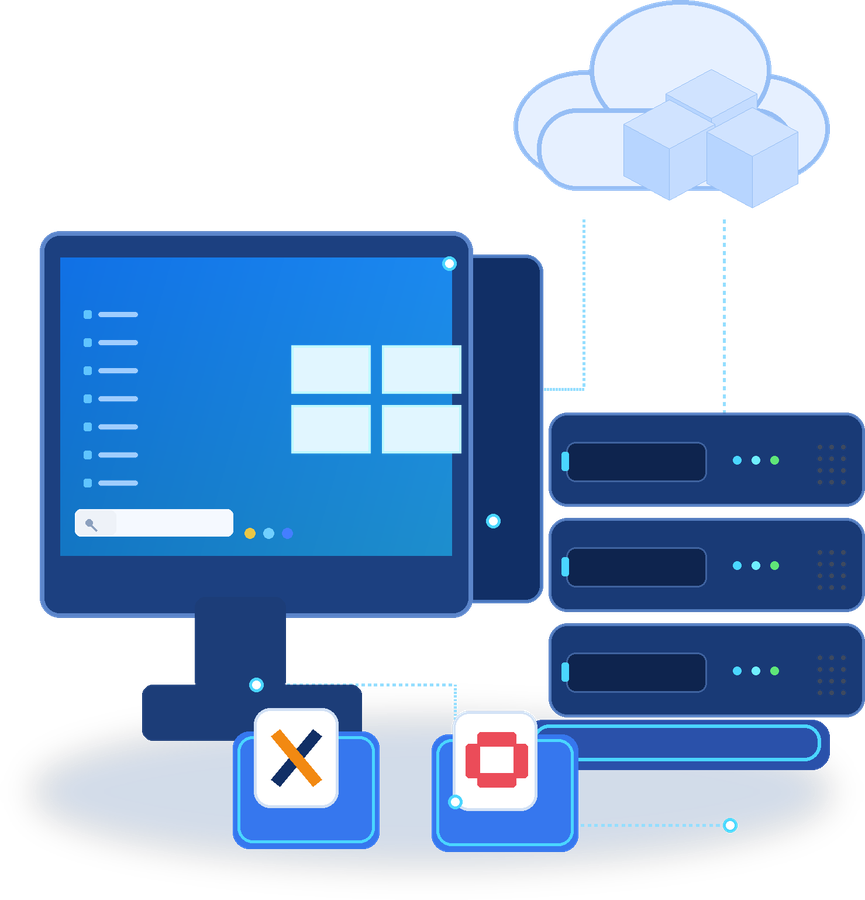
Virtual Machines
Proxmox / OpenStack
- Full Windows desktops
- Kernel-level and nested virtualisation labs
- Dedicated GPU passthrough
- Stronger isolation between environments
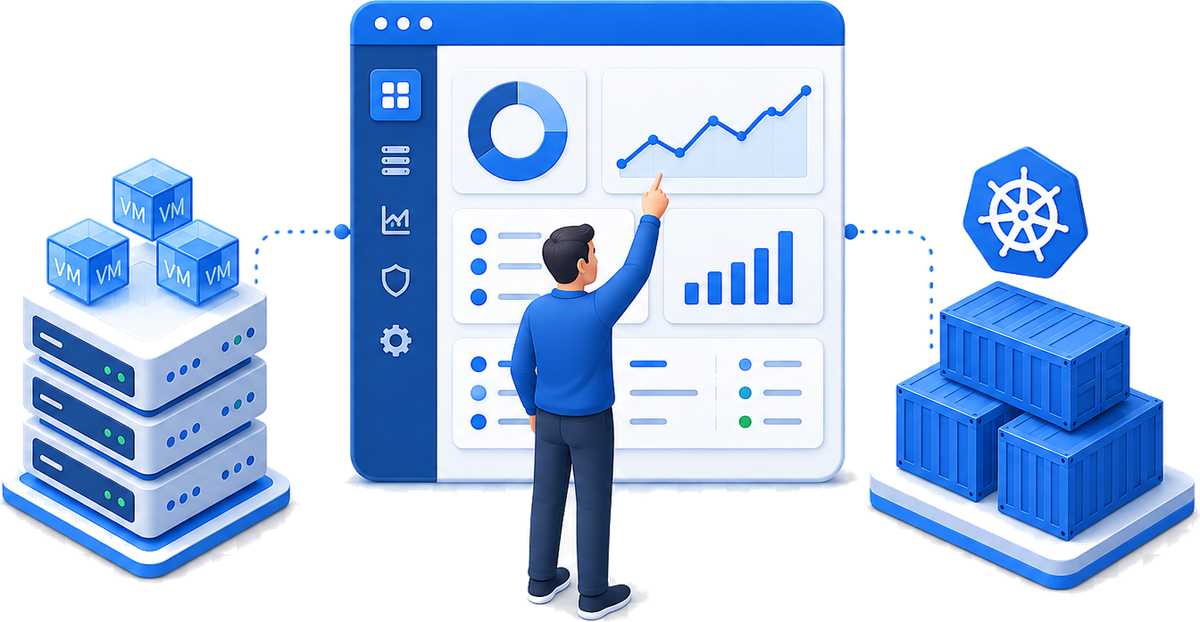
One Console for Virtual Machines and Containers
- Both are managed from the same console — and a single group can combine container templates and VM templates.
AI THAT KNOWS YOUR COURSE
An AI Assistant Grounded in Your Own Content
Clover VDI includes a retrieval-augmented AI assistant that answers from material you provide — not from the open internet.
Instructors upload their course notes, lab guides and reference documents; Clover indexes them into a knowledge base scoped to that specific class.
During a lab session, learners ask questions in plain language and get answers anchored in the course itself. Instructors keep editorial control: update the corpus at any time, per module or per class, and the assistant follows.
Instructor-curated
The assistant answers only from validated documents.
Available throughout the lab
Learners get unblocked without waiting for the instructor.
Private by design
The knowledge base stays inside your environment.


How CLOVER Helps You ?
Benefits for Administrators
Clover VDI reduces infrastructure cost through container density and automated lifecycle management, removes the need for deep private-cloud expertise, and brings workspaces, groups and analytics into a single interface.
How CLOVER Helps You ?
Benefits for Instructors
Clover VDI lets instructors launch ready-to-use lab environments straight from the LMS, share knowledge with the AI assistant, and follow learner activity without touching the infrastructure.


How CLOVER Helps You ?
Benefits for Learners
Clover VDI gives learners real environments, instant access from any device, and help on hand whenever they get stuck.
Features Overview
Explore Clover's Features
Discover all the features here… Click now
Watch Videos
Discover Clover's Benefits
Explore how Clover VDI delivers hands-on virtual IT labs with LMS integration, private-cloud infrastructure, collaborative learning and AI-assisted support.
Seamless LMS Integration for Virtual IT Labs
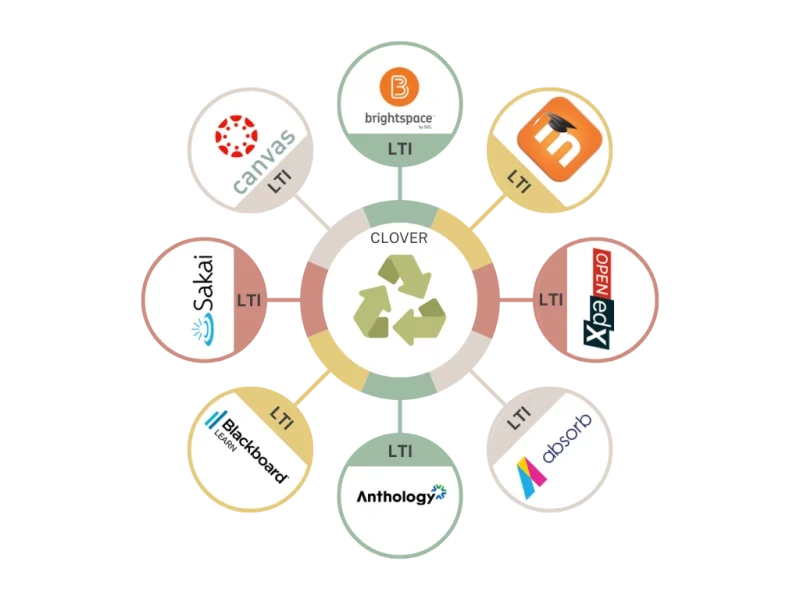
Clover VDI integrates with any LTI-compliant learning platform, including Moodle. Learners launch their environment from inside the course, authenticated through single sign-on — they never leave the LMS, and never manage a second set of credentials.
Trusted by